Introduction to Phishing Emails
In the modern digital landscape, staying safe online requires a solid understanding of everyday cyber threats. So, what are phishing emails? Simply put, phishing emails are a form of social engineering where attackers impersonate trusted individuals, organizations, or government entities to trick recipients into revealing sensitive information or downloading malware. Billions of phishing emails are distributed daily, with security telemetry highlighting that malicious messages account for over 1% of global email traffic. This staggering volume means almost everyone encounters these deceptive messages on a regular basis, making email security a crucial daily concern for both home users and enterprise employees alike.
 TechMediaArch.com TechMediaArch.com |
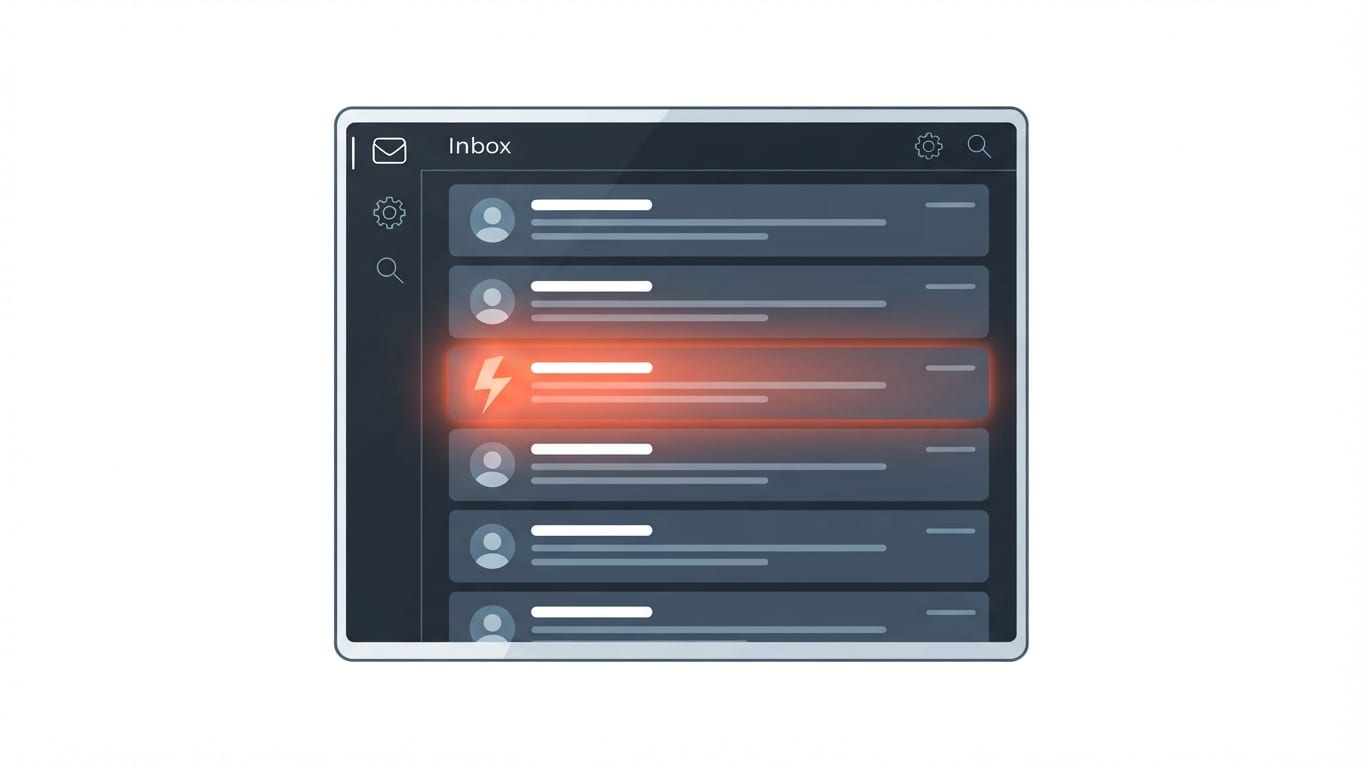
| Digital inbox displaying a suspicious phishing email message |
The threat extends far beyond a simple annoyance or an unwanted piece of digital junk mail. Over 90% of cyberattacks globally begin with phishing as an initial entry vector, making it the most common initial data breach vector tracked by major security reports like IBM's Cost of a Data Breach study. Furthermore, data breaches spawned by phishing carry severe financial consequences, averaging millions of dollars per incident worldwide. Because these attacks rely on human psychology rather than exploiting complex software bugs, they remain a favorite tool for cybercriminals seeking easy access to corporate networks and personal finances. When an employee or individual falls for a convincing lure, the resulting breach can compromise sensitive intellectual property, disrupt critical business operations, and inflict lasting reputational damage on organizations of any size.
The True Meaning Behind Phishing
To fully grasp this threat, it helps to understand what does phishing email mean in the broader context of cybercrime. The term refers to a fraudulent attempt ("fishing" for data) to harvest private information—such as usernames, passwords, credit card numbers, banking PINs, and social security numbers. Cybercriminals cast a wide digital net across the internet, sending out messages in massive waves, hoping that at least a few unsuspecting targets will bite the hook and hand over their valuable personal details. The metaphor of fishing is entirely apt: attackers bait their hook with enticing or alarming scenarios, waiting patiently for a target to take the bait.
Unlike technical hacks that break through firewalls using advanced code, phishing targets the human element. Attackers rely on deception, pretending to be entities that victims already know and trust, such as banks, utility providers, or popular tech companies. By disguising their true intentions behind official-looking branding and polite language, fraudsters lower the guard of their targets, making them much more likely to comply with requests that they would otherwise question immediately. This manipulation targets fundamental human tendencies, such as the desire to be helpful, the inclination to trust authority figures, and the natural anxiety that arises when confronted with unexpected financial or legal trouble.
How Threat Actors Construct Deceptive Messages
Understanding how does phishing through email work reveals the careful psychological manipulation behind these attacks. Attackers use psychological manipulation and social engineering to fabricate urgent situations, creating fake stories about account problems, security alerts, or pending invoices to make targets act hastily. By manufacturing a crisis—such as claiming that a user's subscription is about to expire, that an unauthorized login attempt was detected, or that a large purchase has been charged to their credit card—cybercriminals hope to bypass rational thought, pushing the recipient to react out of fear or panic rather than taking a moment to verify the claims.
Once the narrative is set, phishing emails weaponize clickable elements—including text links, unsubscribe options, and attachments—to route victims to fake, spoofed websites or silently install background malware like ransomware. If you want to learn more about the mechanics of these secondary threats, read this guide on What is Ransomware in Cyber Security: A Complete Guide to see how malicious payloads can lock down entire systems once an initial email breach succeeds. In many cases, clicking a link redirects the browser to a pixel-perfect replica of a legitimate login page, where any entered credentials are immediately captured by the attacker. Alternatively, opening an infected Word or PDF attachment can execute macros that download malicious payloads straight into the victim's local operating system.
Recognizing the Warning Signs of Deception
Successfully defending against these threats requires vigilance and the ability to spot key warning signs. Key warning signs include unknown senders, urgent or threatening language demanding immediate action, generic greetings, and mismatched hyperlinks where the URL destination doesn't match the text. When reviewing an incoming message, users should always inspect the sender address closely rather than just reading the display name. Attackers frequently use display names that mimic trusted colleagues or corporate executives while hiding an entirely unrelated external email address.
Furthermore, phishing messages frequently feature spelling errors, poor grammar, inconsistent formatting, or copied company logos that look authentic at first glance but route to fraudulent domains. While modern cybercriminals have become much better at crafting professional-looking text, translation errors, awkward phrasing, and blurry corporate graphics remain common giveaways. Checking the destination URL by hovering over a link before clicking—without actually opening it—often exposes strange web domains that have no relation to the claimed organization.
 TechMediaArch.com TechMediaArch.com |
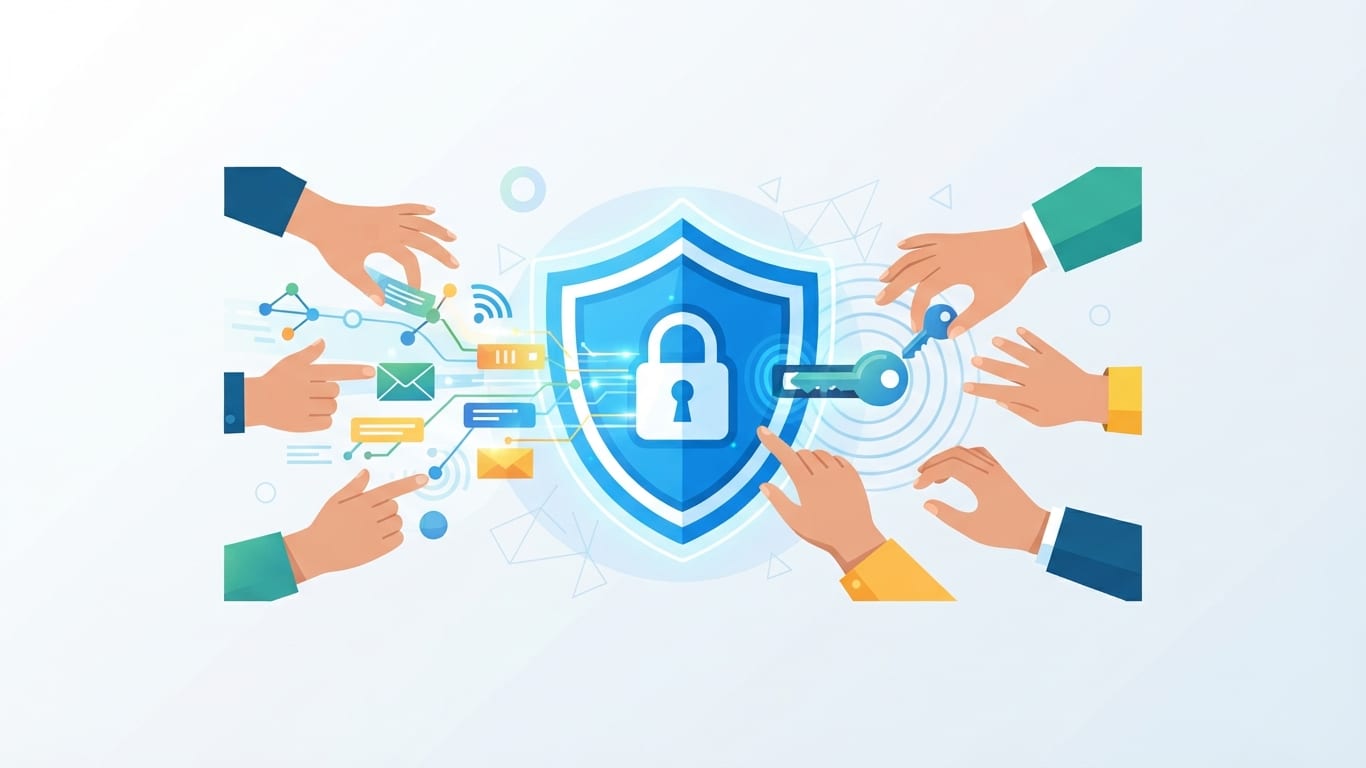
| Conceptual illustration of digital security and email protection |
Email Spoofing Tactics and Visual Discrepancies
To make their stories believable, fraudsters employ sophisticated email spoofing tactics. Cybercriminals forge email headers, brand logos, or sender names (sometimes altering just a single letter or number) to convincingly mimic legitimate companies like banks, utility providers, or tech firms. A casual glance at the sender display name might look entirely correct, but a closer look at the actual email address reveals subtle typos, misplaced punctuation, or completely unrelated domain names designed to trick the human eye.
In addition to forged headers, phishing messages frequently feature spelling errors, poor grammar, inconsistent formatting, or copied company logos that look authentic at first glance but route to fraudulent domains. Attackers often steal high-resolution graphics from official websites to build credibility, but formatting bugs, broken image links, or low-resolution elements can give away the forgery. Recognizing these visual discrepancies is a vital step in avoiding falling victim to social engineering plots, as legitimate enterprises maintain strict quality control standards over their official electronic communications.
Mobile Vulnerabilities and Threats to Smartphones
Many internet users mistakenly believe that mobile devices are completely immune to online scams. However, a common question arises: can phishing emails affect iphone devices? Yes, phishing emails can affect an iPhone if a user clicks a malicious link that directs them to a credential-harvesting web page or downloads a malicious payload profile or attachment. Smartphones handle emails just like desktop computers do, meaning mobile browsers and email clients are equally susceptible to spoofed login portals, credential theft, and drive-by downloads.
Beyond traditional desktop and mobile email channels, users face broader mobile threats. While email is a primary vector, mobile devices also encounter phishing via SMS text messages (smishing) and malicious calendar invitations or pop-ups. Attackers have adapted their distribution methods to target smartphones through calendar apps and text message notifications, hoping users will let their guard down while browsing on smaller screens with abbreviated interface details. Because mobile interfaces often hide full URL bars or make inspecting email headers more difficult, mobile users must remain extra cautious when interacting with incoming digital notifications.
Actionable Steps and Best Practices Upon Receipt
When an unexpected or suspicious message lands in your inbox, knowing how to respond can prevent a catastrophic security failure. Security agencies like the FTC and Microsoft advise users never to click links or open attachments in suspicious emails; instead, they should report the message and delete it. Interacting with the content—even clicking a button that says "unsubscribe" or replying to request removal—can confirm to the attacker that your email address is active, monitored, and vulnerable to future targeting.
Instead of engaging with the message, maintain a strict policy of verification. If an email claims to come from your bank or a streaming service, open a new browser tab, navigate directly to the official website, and log into your account independently to check for any legitimate notifications. Cultivating this healthy skepticism dramatically reduces your chances of falling prey to sophisticated social engineering campaigns. Additionally, practicing proper password management, such as utilizing multi-factor authentication (MFA), provides a crucial safety net even if a user accidentally enters credentials into a spoofed site.
Reporting Procedures for Suspected Scams
Taking individual defensive action is essential, but community-wide reporting helps protect the broader digital ecosystem. Yes, you should report phishing emails; reporting behavior gives security teams and authorities a vital chance to interrupt active threat campaigns and prevent other users from falling victim. When individuals report malicious messages, internal IT security teams and external agencies can update blocklists, neutralize fraudulent hosting servers, and track the infrastructure used by cybercriminal syndicates.
Organizations and individuals can report phishing and online scams to the FBI's Internet Crime Complaint Center (IC3) at `ic3.gov` or via the FTC. These reporting channels aggregate data on emerging cyber threats, allowing law enforcement agencies to identify global criminal trends and coordinate takedowns of large-scale phishing networks. By forwarding suspicious emails to designated reporting addresses within your enterprise or submitting them to official public reporting portals, you contribute directly to the ongoing global defense against cybercrime.
FAQ
What are phishing emails?
Phishing emails are a form of social engineering where attackers impersonate trusted individuals, organizations, or government entities to trick recipients into revealing sensitive information or downloading malware.
What does phishing email mean?
The term refers to a fraudulent attempt ("fishing" for data) to harvest private information—such as usernames, passwords, credit card numbers, banking PINs, and social security numbers.
How does phishing through email work?
Attackers use psychological manipulation and social engineering to fabricate urgent situations, creating fake stories about account problems, security alerts, or pending invoices to make targets act hastily, often via malicious links or attachments.
What is the best way to recognize phishing emails?
Key warning signs include unknown senders, urgent or threatening language demanding immediate action, generic greetings, spelling errors, and mismatched hyperlinks where the URL destination doesn't match the text.
Can phishing emails affect iPhone?
Yes, phishing emails can affect an iPhone if a user clicks a malicious link that directs them to a credential-harvesting web page or downloads a malicious payload profile or attachment.
Should I report phishing emails?
Yes, you should report phishing emails; reporting behavior gives security teams and authorities a vital chance to interrupt active threat campaigns and protect other potential targets.
Sources
- Recognize and avoid social engineering schemes including phishing messages, phony support calls, and other sca
- Phishing Emails: How to Recognize and Protect Yourself from Online Scams | Information Technology | University
- How To Recognize and Avoid Phishing Scams | Consumer Advice
- Phishing 101: how to spot, prevent and report phishing emails