You've seen them everywhere: short, punchy podcast clips dominating your social media feeds. They pull in millions of views and position the speaker as an instant authority. The latest video from our channel breaks down how you can create these viral clips yourself in less than 30 minutes using just three AI tools. It's a surprisingly simple process for creating powerful content, much like the methods for creating 15-minute videos with free AI.
The Technical Breakdown
The magic happens in a four-part process using a simple stack of AI tools. It's not about having the most expensive software; it's about using common tools intelligently. The video highlights a workflow using ChatGPT, Grock, and CapCut—some of the best AI tools to revolutionize your workflow.
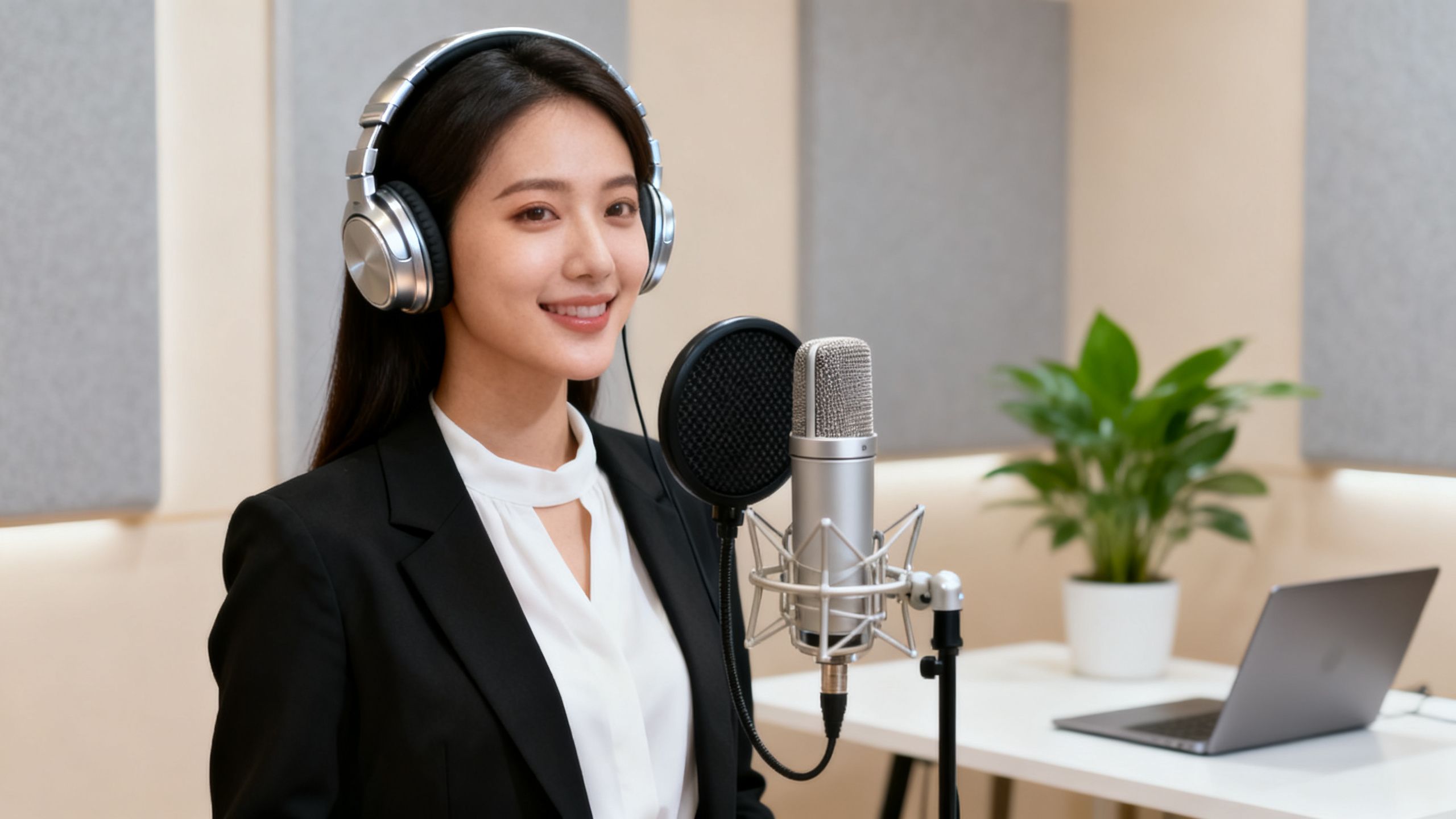
First, you use ChatGPT to write a "pattern interrupt" script. This means starting the video mid-sentence, as if the viewer just walked in on a conversation. It’s a powerful hook. Then, you use ChatGPT again to generate your AI avatar, prompting it to create an image with the mouth slightly open to make the animation look more natural.
Next, you take that image and your script snippets to Grock. This tool animates the image and adds the voice. The key here is using negative prompts—telling the AI what not to do, like adding background music or making sudden movements. This reins in the AI's tendency to "hallucinate" and keeps the clip looking clean. You generate the video in 10-second chunks and piece them together.
Finally, everything goes into CapCut for simple editing. No fancy transitions are needed. Just stitch the clips, add some dynamic zoom-ins, and overlay your captions.
Why This Development Matters
This isn't just a fun trick. For business owners, coaches, and creators, this method is a game-changer. It allows you to generate high-authority content that drives leads—the video creator mentioned getting 18 lead magnet downloads within hours of posting their first clip.
 TechMediaArch.com
It also completely removes the barrier for those who are camera-shy or introverted. You can build a brand and share your expertise without ever showing your face. This is another example of how AI can automate core business tasks, freeing you up to focus on what you do best. It democratizes thought leadership.
Key Takeaways from the Video
Use a "Pattern Interrupt" Script: Hook viewers by starting your video mid-thought instead of with a formal introduction.
Master Your Prompts: Success depends on specific instructions. Tell the AI to create an image with a slightly open mouth and use negative prompts in the animation phase to avoid weird AI behavior.
A Simple Tool Stack is Enough: You don't need a complex studio. ChatGPT, Grock, and CapCut are all you need to produce professional-looking clips.
Focus on Lead Generation: This content style is incredibly effective for building authority and driving traffic to your offers, products, or communities.
The Future of AI Podcast Clips
This is just the beginning. As AI animation and voice-cloning tools become more sophisticated, creating faceless brands and AI influencers will become even easier. We're seeing a major shift where the quality of the message, not the person on camera, is what builds trust and drives business.
The ability to generate content like this so quickly means anyone can become a prolific creator. It's a powerful evolution in digital communication, similar to how the Claude Design tool is revolutionizing YouTube videos. The focus is shifting from production hurdles to pure, impactful ideas.
Frequently Asked Questions
What AI tools are used in the workflow to create viral podcast clips?
The production process relies on a straightforward software stack consisting of ChatGPT, Grock, and CapCut. These specific applications work together to handle scriptwriting, image generation, animation, and final editing. Utilizing this particular combination allows creators to produce professional-looking content without needing expensive software.
How does a pattern interrupt script work?
A pattern interrupt script hooks viewers instantly by dropping them straight into the middle of a sentence rather than using a traditional, formal introduction. This technique mimics the feeling of walking in on an ongoing conversation. It is designed to capture attention immediately on crowded social media feeds.
Why is it important to prompt the AI for an image with the mouth slightly open?
Generating an initial image where the mouth is slightly open helps ensure the subsequent animation looks significantly more natural. This specific instruction prevents the final video output from appearing stiff or robotic during playback. Proper prompting is essential for achieving a polished visual result.
What is the purpose of using negative prompts in Grock?
Negative prompts instruct the tool on what actions or elements to avoid, such as adding unwanted background music or erratic movements. This constraint reins in the software's tendency to hallucinate. As a result, the generated video clips remain clean and professional.
How does this content creation method benefit camera-shy individuals?
This approach entirely removes the barrier for people who feel introverted or uncomfortable appearing on camera. Creators can successfully build a brand and share their professional expertise without ever showing their actual face. The focus shifts entirely to the quality of the message rather than the person speaking.