You're probably tired of paying for AI tools that promise the world but deliver very little. The latest video from Tech Media Arch highlights a game-changer: a free AI tool that turns simple text into full-length YouTube videos. We're not talking about short clips; we're talking about videos over eight minutes long, created without writing a script, recording audio, or editing a single frame.
The Technical Breakdown
The tool at the center of this revolution is Google's NotebookLM. It’s not just another text generator; it's a full-fledged video creation workspace. The process is shockingly simple. You start by creating a new notebook and providing a source. This can be a PDF, a document, or even just a website link.
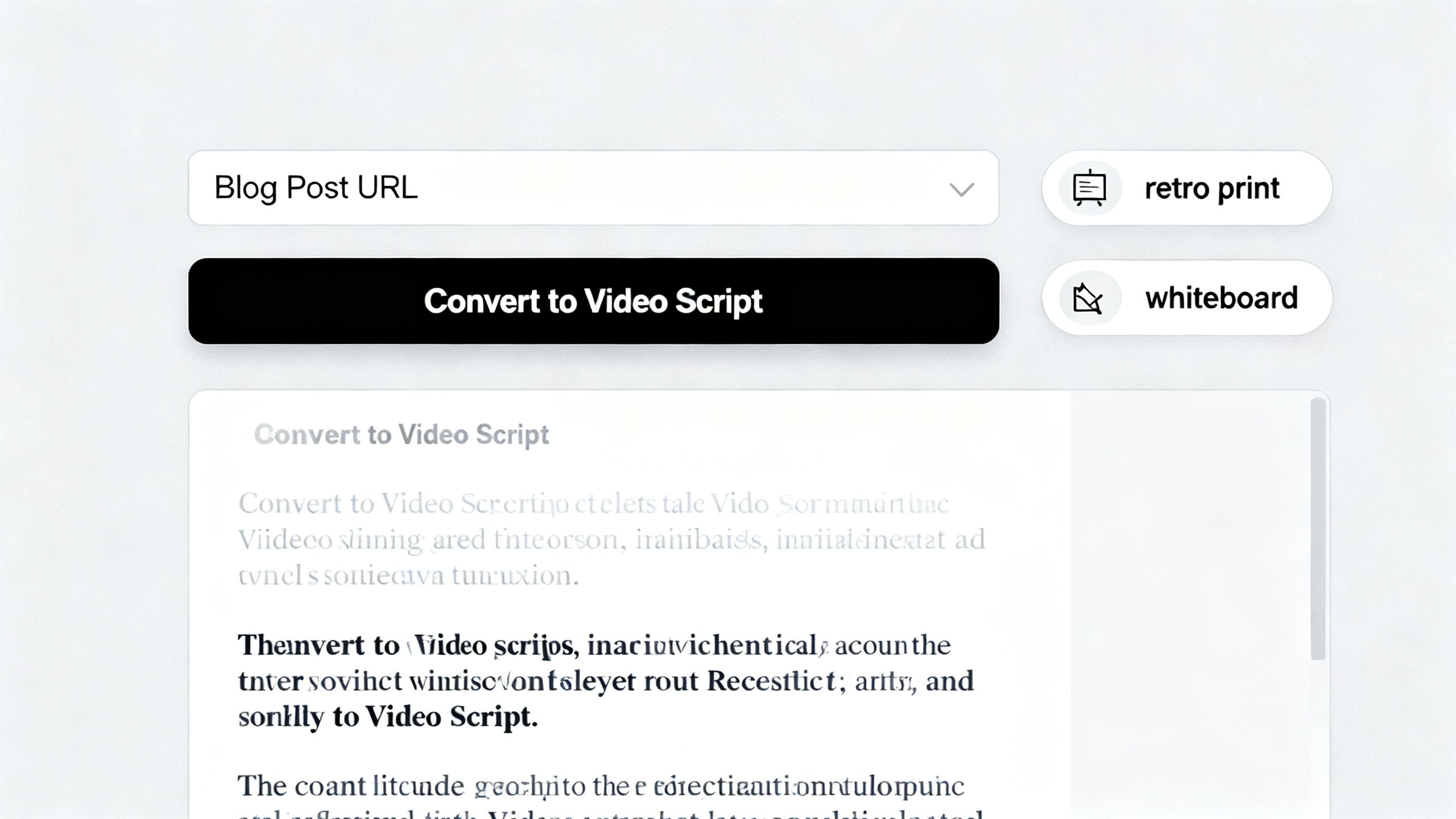
NotebookLM analyzes the content and gives you a clean summary. From there, you select the "video overview" option and choose "Explainer" to generate a longer, more structured video. The customization is where it gets really interesting. You can select the language, visual style (like whiteboard, anime, or retro print), and even guide the AI host's tone and focus. It's a powerful suite of features that some platforms, like the Claude Design tool, are also exploring to simplify content creation.
Why This Development Matters
This isn't just a neat trick; it's a fundamental shift for content creators, especially those running faceless YouTube channels. The barrier to entry for video production has just been obliterated. Instead of spending hours scripting, recording, and editing, you can generate a high-quality, long-form video in minutes.
 TechMediaArch.com
The video demonstrates this by creating an 8-minute video on passive income and a 9-minute video on the Battle of Waterloo, both from simple web articles. The results are impressive, with natural-sounding voiceovers and relevant visuals. This development shows how AI is completely revolutionizing how YouTube videos are made, moving beyond simple scripts to full production.
Key Takeaways from the Video
No Prompt Necessary: The biggest advantage is that you don't need to be a prompt engineer. The AI works directly from source material like a blog post, making it incredibly accessible.
True Long-Form Content: Unlike other tools that max out after a minute or two, NotebookLM generates videos that are long enough for YouTube monetization (8-9 minutes in the tests).
Deep Customization: You have control over the final product's look and feel, from the visual style to the AI host's delivery, ensuring the video aligns with your brand.
Completely Free: This tool proves that powerful AI doesn't have to come with a subscription. It joins a growing list of free AI tools that are outperforming paid competitors, making advanced tech available to everyone.
The Future of FREE AI video creation
Tools like NotebookLM are democratizing video creation on a massive scale. We can expect to see an explosion of content as more people are empowered to share their ideas without needing technical skills or expensive software. This will force paid platforms to innovate or risk becoming obsolete.
Of course, this also means the internet will be flooded with even more content, making quality and originality more important than ever. As this trend continues, the ability to spot AI-generated content will become more critical, and knowing the best AI detector tools will be a valuable skill. The game has officially changed for content creators everywhere.
Frequently Asked Questions
What is the name of the free AI tool that turns text into full-length YouTube videos?
The tool at the center of this video production revolution is Google's NotebookLM. It operates as a full-fledged video creation workspace that can turn simple text and source materials into long videos without requiring scripts, voice recordings, or manual editing.
How does the process of creating a video start in Google's NotebookLM?
The user begins the video creation process by opening a new notebook and providing a specific source material. This source can be in the form of a PDF, a standard document, or a simple website link for the AI to analyze.
What specific option must be selected to generate a longer, structured video?
After the source material is analyzed and a clean summary is provided, users need to select the video overview option. Within that menu, they must choose the Explainer setting to produce a structured, long-form video.
What visual styles can users choose from when customizing their video?
Content creators have the ability to tailor the aesthetic of their project by choosing from several distinct visual styles. The available options include whiteboard, anime, and retro print designs to match different creative preferences.
What topics were used to test the video generation capabilities in the demonstration?
The demonstration showcased the tool's ability to produce lengthy content by creating an eight-minute video on passive income. It also successfully generated a nine-minute video about the Battle of Waterloo using simple web articles as the source.