The pace of AI video generation is staggering. Just when you think you've seen it all, a tool like Kling AI comes along and raises the bar. Our latest video breaks down how this powerful AI video generator turns simple text prompts into shockingly realistic video clips, and the process is more accessible than you might think.
The Technical Breakdown
At its core, Kling AI offers a straightforward workflow. After signing into the platform (which includes a free plan with trial credits), you're presented with a simple interface. The magic starts with the prompt. You describe the scene you want, and the AI gets to work.
The video highlights the importance of choosing the right model, with version 3.0 being the latest and most powerful. While the tutorial focuses on text-to-video, it's also possible to generate video from a starting image. For those wanting more complex scenes, the multi-shot feature allows you to script several shots within a single video output.
But the control doesn't stop there. Kling provides a suite of tools for inspiration and refinement. You can add specific camera movements like zooms, control the speed, and define the shot type. There's even a prompt optimization feature that analyzes your initial idea and suggests a more detailed, effective prompt. Finally, you set your video properties—like 1080p quality and the correct aspect ratio—and generate. The results, as shown in the video, are stunningly lifelike. This is just one of many creative workflows to turn simple prompts into studio-quality videos.
Why This Development Matters
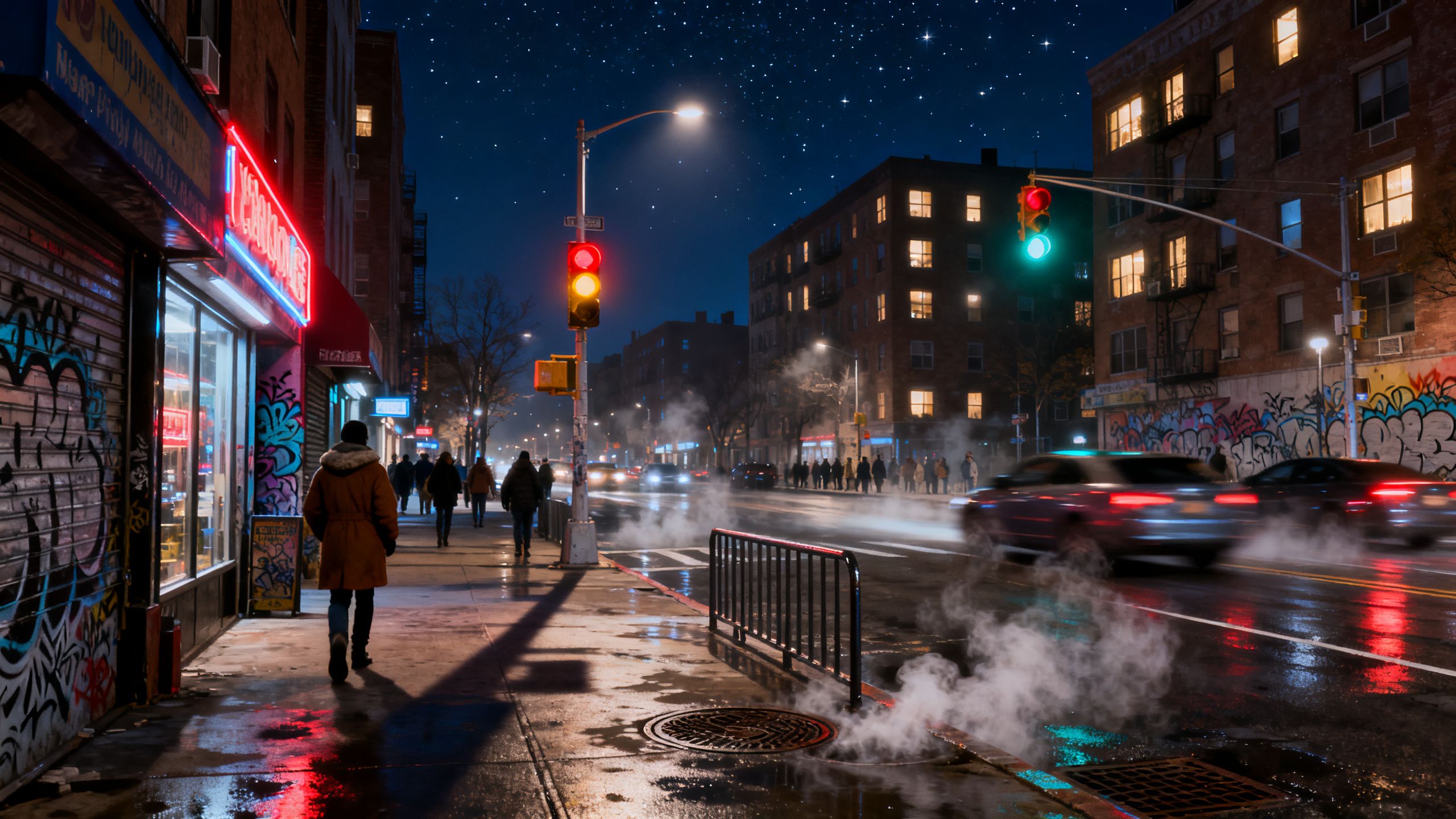
What makes Kling AI so significant isn't just the technology, but the quality of the output. The video showcases a clip with hyper-realistic shadows, light rays, and movement that could easily be mistaken for actual camera footage. This level of quality democratizes video production on a massive scale.
 TechMediaArch.com
Content creators, marketers, and small businesses no longer need expensive equipment or years of animation experience to produce professional-grade video. This shift is a huge deal for AI video marketing, where engaging visuals are everything. The availability of a free tier further lowers the barrier to entry, allowing anyone to experiment with free AI video creation.
Key Takeaways from the Video
Jaw-Dropping Realism: Kling AI can produce video with incredible detail, from subtle environmental effects to realistic character movements, blurring the line between AI and reality.
Deep User Control: Beyond a simple prompt, you can direct the camera, structure multiple shots, and refine lighting, giving you significant creative power.
Smart Prompt Assistance: The platform's ability to analyze and improve your prompts is a game-changer for getting the exact look and feel you want without endless trial and error.
Accessible to Everyone: With a free plan and an intuitive interface, high-end AI video generation is now within reach for creators at all levels.
The Future of AI Video Generator
Tools like Kling AI are a clear signal of where the industry is headed. We are rapidly moving past short, glitchy clips toward a future where coherent, long-form, and high-fidelity video can be generated entirely from text. As these models become more sophisticated, they will undoubtedly become some of the best AI tools to revolutionize your workflow. The creative possibilities are expanding faster than ever, and the era of the AI filmmaker is just beginning.