A new AI tool just turned a simple YouTube script into a professional animation. Just a week ago, this would have cost hundreds of dollars and taken hours of back-and-forth with a designer. This AI did it all in 30 minutes.
This new wave of AI animation is changing the game for content creators, making high-quality visuals accessible to everyone. The tool behind this magic is called Claude Design.
Key Takeaways
Claude Design can automatically create professional animations directly from your video script.
Setting up a "design system" with your brand's colors and fonts is essential for a consistent look.
The process is incredibly fast, but the cost varies. The pro plan has weekly limits, which can be used up quickly.
Breaking Down the Tech: Core Concepts
So, what exactly is Claude Design? It's a new feature from Claude, one of the biggest names in AI. You can find it at claude.com/design. It's built to take your written ideas and turn them into moving visuals, saving you from the headache of traditional animation. While many are looking to unlock 80+ free AI tools, Claude Design offers a powerful, paid alternative for serious creators.
How it Works
Getting started is surprisingly simple. First, you set up your design system. This is a critical step to ensure all your animations have a consistent style that matches your brand. You can upload an existing style guide, or you can do what I did: take screenshots of your video setup, website, and products, and ask the AI to build a brand guide for you. This is similar to creating a personal "Me" document for an AI to understand your personal brand.
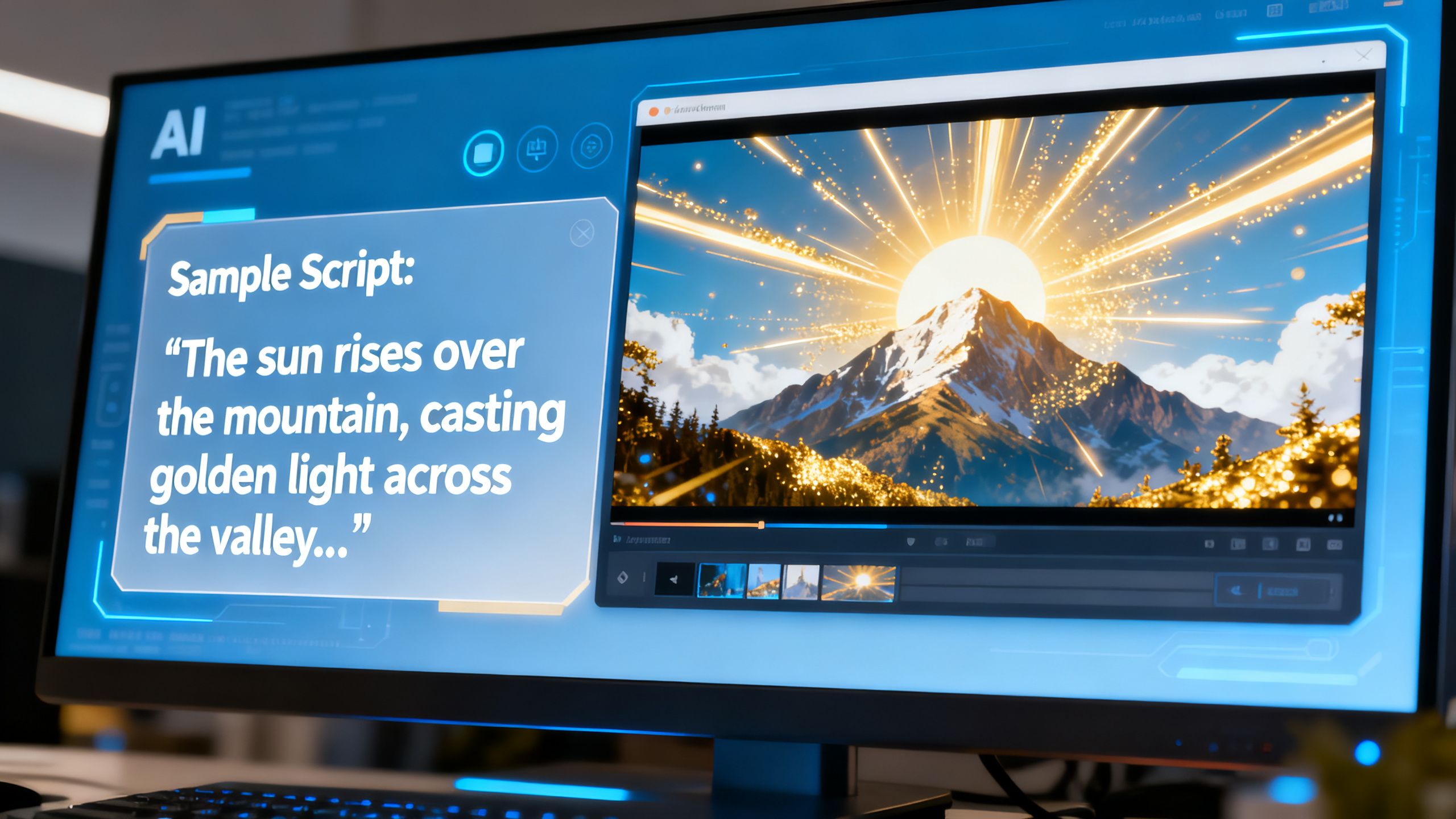
Once your style is locked in, you just paste your video script into the tool and tell it to create an animation. The AI will ask a few clarifying questions to understand the most important parts of your script. After you make your selections, it gets to work. If the first version isn't perfect, you can click the "tweak" button, watch the video, and leave comments directly on the parts you want to change. The AI makes the edits almost instantly.
Why it Matters
This is a huge deal for creators. Animations grab attention and make complex ideas easier to digest, which keeps viewers watching longer. In the past, this was a luxury reserved for big brands with deep pockets. Now, anyone can add professional-grade AI animation to their videos.
 TechMediaArch.com
This technology removes the biggest barriers: cost and time. Instead of spending thousands and waiting weeks, you can get a finished animation in under an hour.
The Future of AI animation
Tools like Claude Design are leveling the playing field. But what are the downsides? The main one is cost. The $20/month pro plan comes with a weekly usage limit that you can burn through just by setting up your brand guide and creating one video's animations. For heavy users, the $200/month max plan might be necessary.
While this is still far cheaper than hiring a professional, it's not free. This is a sharp contrast to the trend of completely free AI tools that are beating paid competitors in some areas. Another small issue is that there's no simple "download" button yet; you have to screen-record the final video.
Despite these minor hurdles, the power to create stunning animations from text is here. What part of your content creation process would you love to hand over to an AI?