Understanding Ransomware and Its Core Mechanics
Ransomware canary files are decoy documents intentionally planted across systems to act as an early-warning detection system. To understand why these tripwires are necessary, security engineers look at the foundational nature of the threat itself. Ransomware is a specialized type of malware designed to block user access to devices, systems, or files—typically until a ransom payment is fulfilled. According to the National Institute of Standards and Technology (NIST), malicious software of this class has evolved from simple screen lockers into sophisticated financial extortion tools.
 TechMediaArch.com TechMediaArch.com |
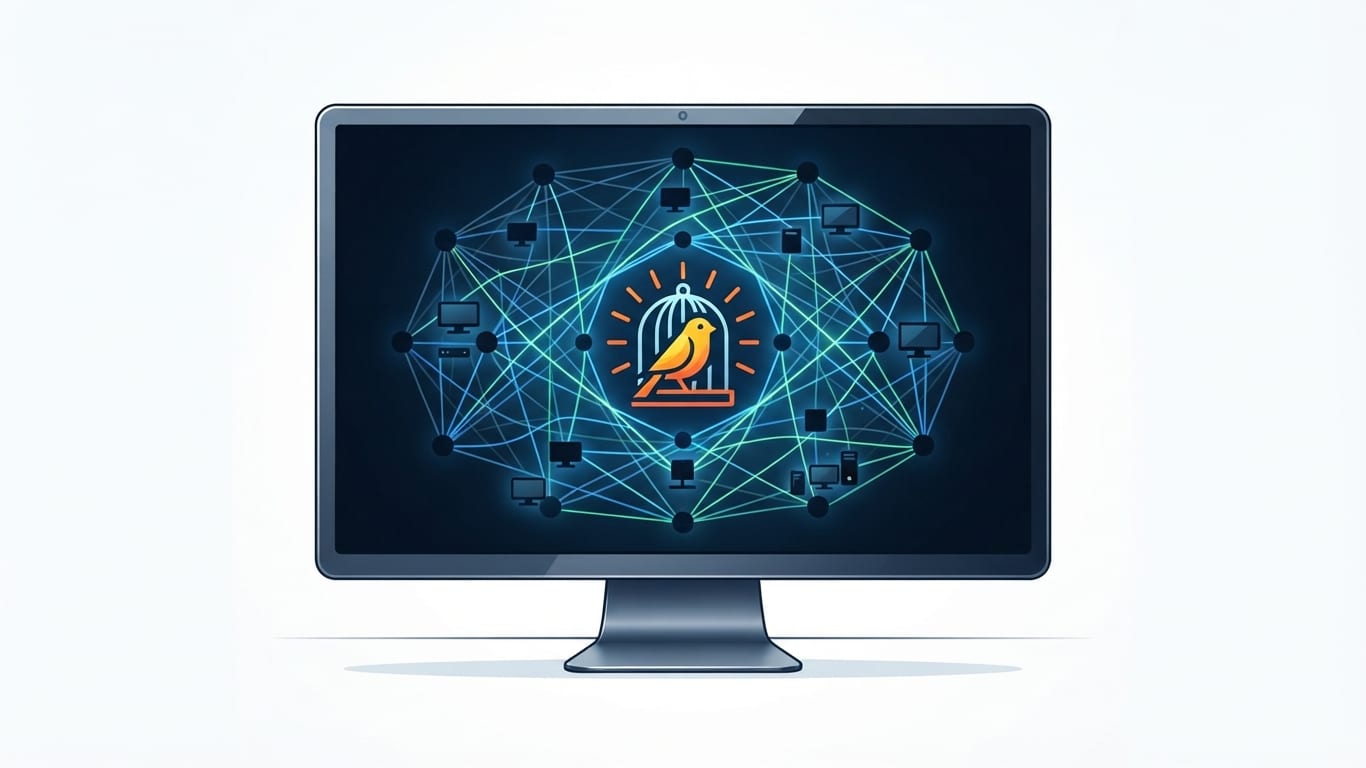
| Digital canary icon representing ransomware early detection. |
Threat actors commonly distribute ransomware through phishing emails containing malicious links or attachments, exploited software vulnerabilities, and compromised credentials targeting remote access protocols like RDP. Once inside a network, the software prepares its payload. Security researchers at Microsoft note that attackers often spend days or weeks moving laterally before initiating the disruptive phase of the attack. Understanding What is Ransomware in Cyber Security: A Complete Guide provides essential context for tracking how these digital intrusions unfold across corporate and personal infrastructure.
When studying the taxonomy of digital threats, the question often arises: is ransomware a type of malware? Security analysts confirm that it is indeed a distinct subset of malicious code, sharing distribution vectors with trojans and worms. However, its ultimate objective is financial extortion rather than pure data destruction or espionage. This singular focus on monetization has driven cybercriminal groups to refine their attack chains, making early detection mechanisms like canary files vital for modern defenders trying to intercept intrusions before widespread damage occurs.
How Canary Files Function as Early-Warning Systems
Ransomware canary files are typically formatted as common office and media types, such as .doc, .xlsx, .jpg, or .pptx documents. System administrators strategically scatter these decoy files across shared drives, local directories, and sensitive file servers. Because these decoy files carry no actual business utility, any automated modification, opening, deletion, or renaming signals suspicious activity, instantly triggering a security alert. Because legitimate human users have no reason to access or edit these hidden traps, security software can attribute any interaction with a canary file directly to unauthorized automation.
When an unauthorized process attempts to manipulate a canary file, endpoint detection and response (EDR) platforms immediately intercept the command. According to cybersecurity assessments by CISA, automated tripwires significantly reduce the dwell time of an attacker by cutting through the noise of normal network operations. Instead of waiting for users to report locked screens or missing documents, security operations centers receive an immediate high-priority alert. This automated intervention buys precious minutes for incident responders to isolate infected endpoints before the encryption routine spreads across the entire network architecture.
Implementing canary files requires careful planning to ensure they blend seamlessly with legitimate operational data. If attackers can distinguish real documents from decoys through directory inspection or metadata analysis, they can bypass the tripwires entirely. Consequently, modern security vendors design canary files with realistic file sizes, convincing internal structures, and appropriate creation timestamps. This attention to detail ensures that automated ransomware scripts treat the decoys just like any other user document, walking directly into the trap.
System Control Mechanisms and Execution Paths
Once executed, ransomware gains control by searching designated directories and utilizing the operating system's native capabilities to read and rewrite files. According to technical reports from MITRE ATT&CK, the malware leverages legitimate application programming interfaces (APIs) built directly into Windows, macOS, or Linux. By abusing these native utilities, the malicious code minimizes its footprint and avoids triggering heuristic alerts that might flag custom file-handling routines. The software systematically enumerates attached drives, network shares, and local folders to identify eligible targets.
To maintain system stability so the victim can interact with a ransom note, malware often prioritizes non-critical data files based on extensions like .txt, .jpg, .xls, and .doc. By deliberately avoiding core operating system binaries and crucial system libraries, the ransomware ensures the device remains functional enough to display payment instructions and launch browser windows. This calculated approach prevents premature system crashes that might disrupt the communication channel between the victim and the extortionist.
Rather than encrypting individual documents, locker variants lock users entirely out of operating systems or device interfaces. These screen-locker strains modify the master boot record (MBR) or display persistent graphical overlays that intercept user input. While screen lockers were more common in early malware iterations, modern criminal groups heavily favor crypto-ransomware because it holds data hostage permanently unless the victim possesses an accurate decryption key. Regardless of the variant deployed, the underlying objective remains the coercion of financial ransom through systematic asset denial.
The Mechanics of File Locking and Encryption
Most crypto-ransomware locks files by scrambling their contents using strong cryptographic methods, such as asymmetric encryption relying on public and private key pairs controlled by the attacker. When the malware runs, it generates a unique session key to encrypt the targeted documents quickly. That session key is subsequently encrypted using the attacker's public key embedded in the code. According to cryptographic analyses by Europol, this hybrid approach ensures that even if an endpoint is disconnected from the command-and-control server, the local encryption routine proceeds uninterrupted and unrecoverable without the corresponding private key.
The speed at which this destruction occurs varies significantly across different strains and hardware configurations. According to comparative Splunk security analysis of 10 common ransomware families processing 100,000 files totaling roughly 53 GB, the median time-to-encrypt is roughly 42 to 43 minutes. However, depending on the specific ransomware variant, hardware specifications, and optimization, encryption can span anywhere from a rapid 4 minutes to over 3.5 hours. Multi-threaded processing allows modern strains to maximize central processing unit utilization, converting thousands of business records into unreadable ciphertext in mere moments.
Certain modern variants, such as LockBit, accelerate execution times—sometimes finishing an entire cycle in under a minute—by encrypting only a partial 4KB slice of each targeted file to render it unusable. This targeted partial encryption bypasses resource-intensive full-file processing, allowing the malware to neutralize massive databases and document repositories before security teams can manually disconnect the machine. Understanding these accelerated timelines underscores why automated defenses like canary files and zero-trust architectures, as detailed in frameworks addressing What Are Zero Trust Security Models: A Complete Guide, are essential for modern enterprise defense.
 TechMediaArch.com TechMediaArch.com |
| A minimalist graphic showing a decoy document triggering a cybersecurity alert system. |
Cloud Synchronization Risks and OneDrive Vulnerabilities
Cloud storage has transformed enterprise collaboration, but it has also introduced new attack surfaces for cybercriminals. Yes, ransomware can target and encrypt OneDrive files if a synchronized local endpoint is compromised, allowing the encryption routines and synced updates to propagate directly to cloud storage. When a local folder linked to a cloud service is actively manipulated by malicious software, the synchronization client treats the newly encrypted files as legitimate user edits, uploading the scrambled data and overwriting clean cloud backups in real time.
Security researchers at Microsoft emphasize that cloud providers often offer version history features to help roll back corrupted files, but sophisticated ransomware variants actively attempt to locate and delete shadow copies, local backup catalogs, and cloud version snapshots. If an attacker gains administrative or compromised credentials with broad sync permissions, the destructive reach extends far beyond local hard drives. Organizations must configure robust tenant-level protections, multi-factor authentication, and immutable cloud storage policies to prevent local infection waves from cascading into enterprise cloud environments.
Phishing campaigns frequently serve as the initial delivery mechanism for the credentials or endpoint access required to compromise cloud-integrated workstations. Reviewing mechanics outlined in resources discussing What Are Phishing Emails and How Do Cyberattacks Work? reveals how social engineering tricks users into downloading malicious attachments or entering credentials on spoofed portals. Once the threat actor secures a foothold on a synchronized machine, the cloud integration that makes modern productivity seamless inadvertently accelerates the distribution of ransomware payloads across connected drives.
The Double Extortion Tactic and Data Exfiltration
Modern cybercriminal syndicates rarely rely on file encryption alone to coerce ransom payments. Attackers frequently exfiltrate confidential data copies prior to executing file encryption, threatening to leak intellectual property, financial records, or personal data publicly if the ransom is withheld. This methodology, known in the security industry as double extortion, shifts the leverage dynamic heavily in favor of the attacker. Even if an organization possesses pristine offline backups and can restore operations without paying for a decryption key, the looming threat of public data exposure forces many victims to negotiate.
Federal Bureau of Investigation (FBI) cyber division advisories note that exfiltration often occurs via encrypted channels routed to external file-sharing services or attacker-controlled servers over several days. Because this data theft mimics normal HTTPS web traffic, traditional signature-based firewalls frequently fail to detect the unauthorized outflow of sensitive documents. Security teams must implement network traffic anomaly detection and Data Loss Prevention (DLP) tools to monitor outbound data volumes and spot abnormal spikes in data transfer before encryption routines lock down local systems.
The psychological pressure of a double extortion event complicates incident response decision-making. Public disclosure of proprietary data can trigger regulatory fines, loss of customer trust, and severe reputational damage. Consequently, threat intelligence analysts stress that preventing the initial intrusion through robust patch management, employee training, and endpoint monitoring remains far more effective than attempting to manage the fallout after sensitive corporate data has already been stolen and held hostage by criminal organizations.
Recovery Realities and Backup Strategies
When organizations fall victim to a successful ransomware attack, leadership often faces difficult choices regarding ransom payments and data restoration. Paying a ransom does not guarantee successful data restoration or that decryption keys will function properly, making verified offline backups and proactive monitoring critical defense layers. According to incident response data from cybersecurity firm Mandiant, a notable percentage of victims who pay extortion demands never receive a working key, while others experience severe data corruption during the decryption process itself.
Building a resilient recovery posture requires adherence to industry standard backup frameworks, such as the 3-2-1 backup rule. This strategy mandates maintaining at least three copies of data, across two different media types, with at least one copy stored completely offline or in an immutable cloud repository. Ransomware actively searches for connected backup repositories and network-attached storage (NAS) devices to encrypt or delete them prior to launching the primary payload. Immutable storage solutions prevent deletion or modification for a designated retention period, ensuring that clean recovery points remain untouched by malicious automation.
Proactive monitoring closes the gap between initial intrusion and full-scale encryption. Integrating canary files alongside endpoint detection tools provides security teams with the early warnings necessary to sever network connections before automated scripts finish their work. Organizations that combine immutable backups, employee awareness training, zero-trust network controls, and decoy tripwires significantly diminish the operational impact of ransomware campaigns, ensuring business continuity without yielding to criminal extortion demands.
FAQ
What are ransomware canary files used for?
Ransomware canary files act as decoy documents planted across networks to function as an early-warning detection system. Because these files have no business utility, any automated modification, opening, or renaming instantly triggers a security alert for incident responders.
How does ransomware lock your files?
Most crypto-ransomware locks files by scrambling their contents using strong cryptographic methods, typically asymmetric encryption involving public and private key pairs. The malware generates a session key to encrypt targeted data quickly, and that session key is subsequently sealed by the attacker's public key.
How long does it take ransomware to encrypt files?
While encryption speeds vary based on variant and hardware, the median time-to-encrypt for 100,000 files is roughly 42 to 43 minutes. Depending on optimization and specific strains, total execution can span from under a minute to over three and a half hours.
Can ransomware encrypt OneDrive files?
Yes, ransomware can target and encrypt OneDrive files if a synchronized local endpoint is compromised. The encryption routines and automated synchronization updates propagate directly to cloud storage, overwriting clean files with scrambled ciphertext.
What does ransomware do to the files it gets control of?
Ransomware searches designated directories using native operating system capabilities to read and rewrite user files. It prioritizes non-critical data extensions to maintain system stability while rendering documents unreadable without the correct decryption key.